
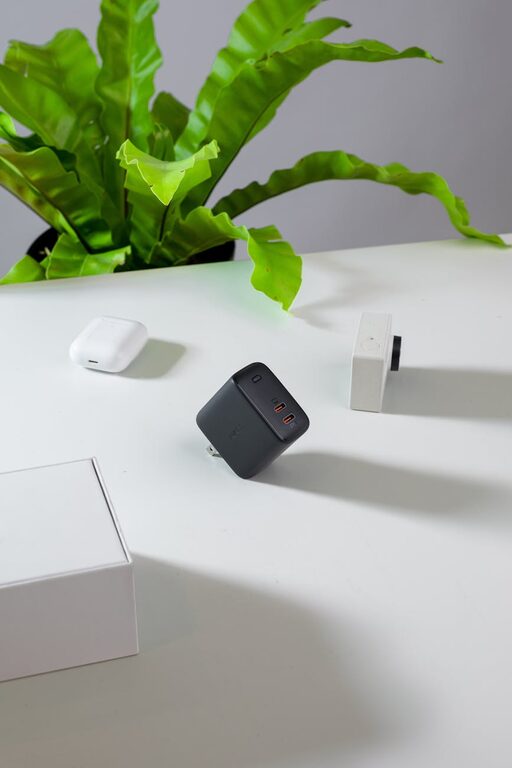
Creating a dedicated charging station for your devices is a smart way to keep your home organized and ensure that your smartphones, tablets, and other gadgets are always ready to use. Whether you have multiple family members or just a few devices, setting up a charging station can save you time, reduce clutter, and protect your devices.
In this post, we’ll guide you through everything you need to know to build an efficient charging station that fits your space and needs.
Why Set Up a Charging Station?
With so many devices in use daily, cords and chargers can quickly become tangled or misplaced. A charging station helps by:
– Centralizing device charging in one place
– Reducing cable clutter and confusion
– Protecting devices from damage
– Making charging more visible and accessible
What You’ll Need
Before you start, gather the following materials:
– Power strip with surge protection
– Multiple USB charging ports or wall adapters
– Cable organizers such as clips, ties, or boxes
– A sturdy surface or small table/shelf
– Optional: charging station organizer or docking station
Step 1: Choose the Location
Select a convenient and central spot for your charging station, such as:
– A living room side table
– A kitchen counter corner
– A home office desk
– A hallway console table
Make sure the spot has easy access to electrical outlets and provides enough space for your devices.
Step 2: Prepare Power Sources
To avoid overloading an outlet, use a quality power strip with built-in surge protection. This protects your devices from unexpected power surges.
If you have several devices, consider:
– USB charging hubs with multiple ports
– Wall adapters for quick charging
– Wireless charging pads for compatible devices
Step 3: Organize Cables
Cable management is key to a tidy charging station. Different methods can help:
– Use cable clips or adhesive holders to direct cables along surfaces
– Bundle excess cable lengths with reusable ties
– Use cable boxes to hide power strips and cords
– Label cables to quickly identify which charge which device
Step 4: Set Up Device Holders or Stands
It’s helpful to have places where devices can rest while charging. Options include:
– Multi-device charging docks designed for phones and tablets
– Simple stands or trays for holding devices upright
– Repurposed items like bowls or baskets, lined with soft material
Make sure devices don’t block air vents or each other, to avoid overheating.
Step 5: Arrange and Test
Plug in your power strip and test each charging port. Connect all device chargers and place each gadget on its holder. Take note of any cable length issues or spacing concerns and adjust accordingly.
Extra Tips for a Functional Charging Station
– Keep the station clean and dust-free to avoid damage.
– Regularly check cables for wear or fraying and replace as needed.
– Consider color-coded cables or chargers for family members.
– Add a small lamp or indicator light for nighttime visibility.
– Use surge protectors even if your area has stable power.
DIY Charging Station Ideas
Here are some creative approaches to build your station:
– Upcycle an old wooden box or crate by cutting holes for cables
– Use a drawer organizer inside a desk drawer with cable holes
– Build a wall-mounted station with shelves and hooks
– Purchase ready-made charging furniture or organizers that complement your decor
Conclusion
Setting up a charging station is a simple but effective way to tidy your tech life and keep devices charged efficiently. With a little planning, the right tools, and cable management, you can create an organized space that fits seamlessly into your home. Try it yourself and enjoy the benefits of no more tangled cords and missing chargers!
—
By following these steps, you can build a charging station that saves time, protects devices, and reduces clutter in your living space. Happy charging!